

Adobe CX Enterprise Coworker: what it does, what it costs, and who is really using it
A preview of our independent field guide to Adobe's agentic AI teammate: capabilities, pricing, customer references and what outsiders say.
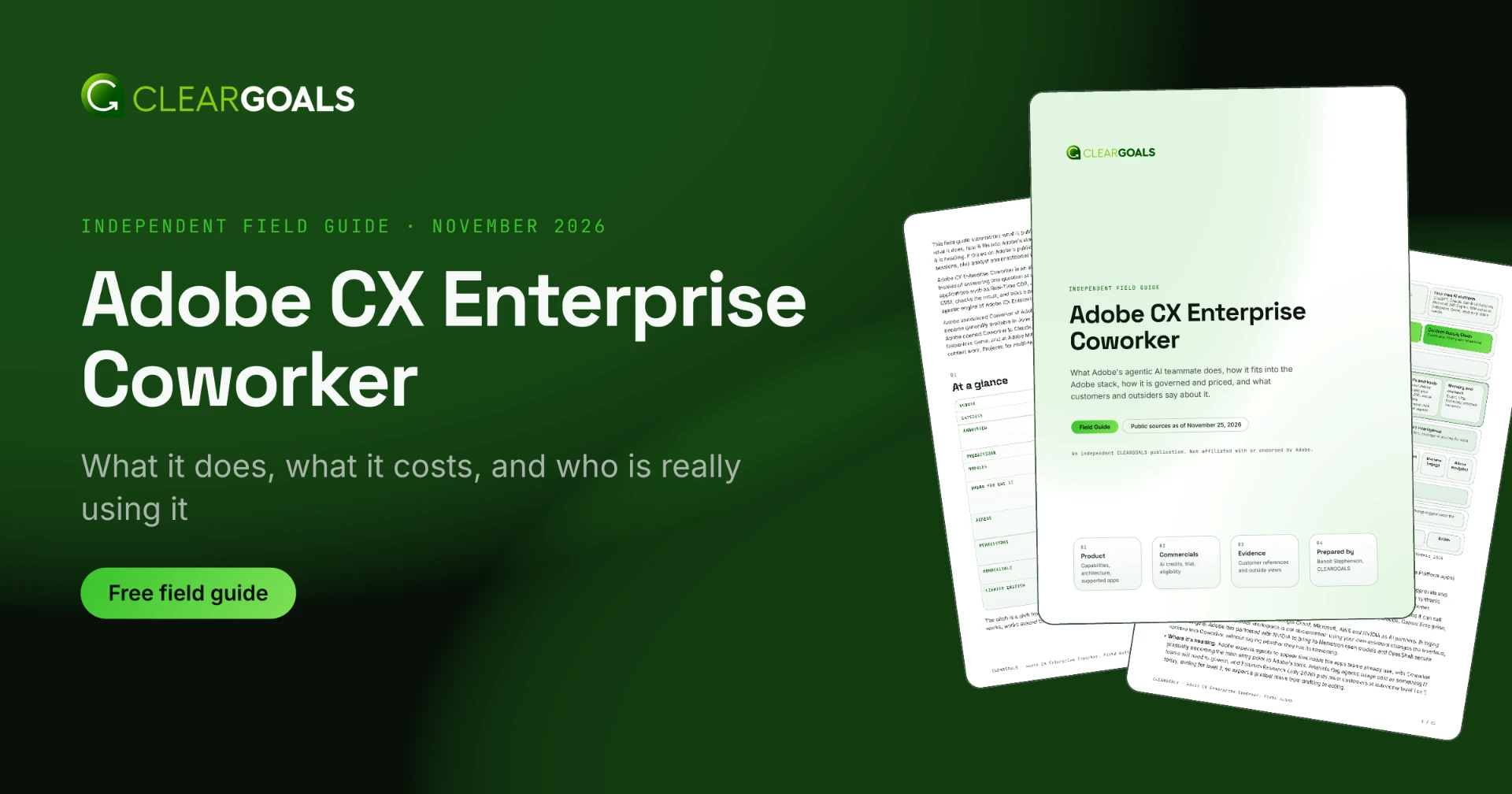
Adobe is rebuilding its marketing stack around one product: CX Enterprise Coworker, an AI teammate that takes a business goal, plans the work, carries it out across Adobe applications and asks a person before anything goes live.
The facts about it are spread across documentation, press releases, webinars and release notes, and they do not always agree. We gathered what is public into one independent field guide. This article is a preview.
What Coworker is
Coworker replaces Adobe's AI Assistant and is the agentic engine of Adobe CX Enterprise, the new name for Adobe Experience Cloud. Instead of answering one question at a time, it works toward a goal: build an audience, draft a journey, explain why a metric moved, check the health of an implementation.
Two modules matter today:
- Coworker Chat has been generally available since June 2026.
- Projects, a shared workspace for multi-team workflows with approvals, is in limited availability, arranged through the Adobe account team.
It acts under each user's own login, so it can only do what that person is already allowed to do, and it drafts and asks before saving or publishing.
Where you can use it
Coworker Chat works with eleven Adobe applications and editions today, including Real-Time CDP, Journey Optimizer, Customer Journey Analytics, Target, Experience Manager, Workfront and Marketo Engage.
Since November 4, 2026, Adobe also offers it inside other AI platforms, including ChatGPT, Claude, Gemini, Microsoft 365 Copilot and Databricks Genie. From those platforms it is read-only: it can analyse and answer, but it cannot change data in Adobe applications.
At Adobe MAX on November 10, Adobe announced that Coworker is coming to GenStudio, without giving a date.
What it costs
Coworker is licensed in AI credits on top of existing Adobe licenses. Adobe's introductory rate is 25 credits per prompt. Eligible customers get a one-time trial allotment of up to 10,000 credits, which is about 400 prompts. What a credit costs in money is not published.
Who is really using it
Adobe cites more than 2,500 customers and early adopters. Very few are named.
We found a handful of companies on the record, and we rate each reference by how solid it is: a customer saying so itself, a customer presenting alongside Adobe, a quote in an Adobe press release, or an analyst report. The early accounts are encouraging. Lenovo's analytics lead said in an Adobe webinar that many questions that used to take days are now answered in under an hour.
The guide lists every named company we found and what each one has actually said.
What outsiders say
Independent, hands-on reviews barely exist yet. The main software review sites list Coworker with no user reviews, which is normal for a product this new.
What does exist is useful:
- Practitioners report real time savings in analysis, and real limits. For example, in Workfront it can start a request but detailed intake forms still need a person.
- Analysts question who controls the experience when Coworker runs inside someone else's assistant, and note that it is unproven in regulated industries.
- Adobe documents its own limitations, such as mixed-language answers in non-English data views.
What is in the full guide
- What Coworker does today, and what is still coming
- How it fits into Adobe's AI stack, with an architecture diagram
- Supported applications, one by one
- Governance: permissions, approvals and the new admin access controls
- AI credits and the trial, in detail
- Customer references, rated by strength
- What analysts and practitioners say
- Every source, linked
Frequently asked questions
Is Adobe CX Enterprise Coworker the same as AI Assistant? No. Coworker replaces AI Assistant. Everything AI Assistant did carries over, and Coworker adds the ability to plan and carry out multi-step work across applications, with human approval.
Do we need new Adobe licenses to use Coworker? You keep your licenses for the underlying Adobe applications, and Coworker usage is charged in AI credits. Adobe handles pricing through its account teams.
Is this guide published by Adobe? No. It is an independent CLEARGOALS publication based on public sources as of November 25, 2026. It is not sponsored, endorsed or reviewed by Adobe.
Adobe, Adobe Experience Cloud, Adobe Experience Manager, Adobe GenStudio, Marketo Engage, Real-Time CDP and Workfront are trademarks of Adobe. This article is independent and reflects public information as of November 25, 2026.